01
Three code approaches
Compare three implementations side by side, with trade-offs called out where the code actually differs.
Explore visual and interactive HTML artifacts you can open, inspect, and use as references for your own agent work.
Browse the collection
Showing 40 of 40 · Expanded
Select one of six request paths to dim the surrounding system, trace causality across the architecture, and reveal the nodes and explanation for that flow.
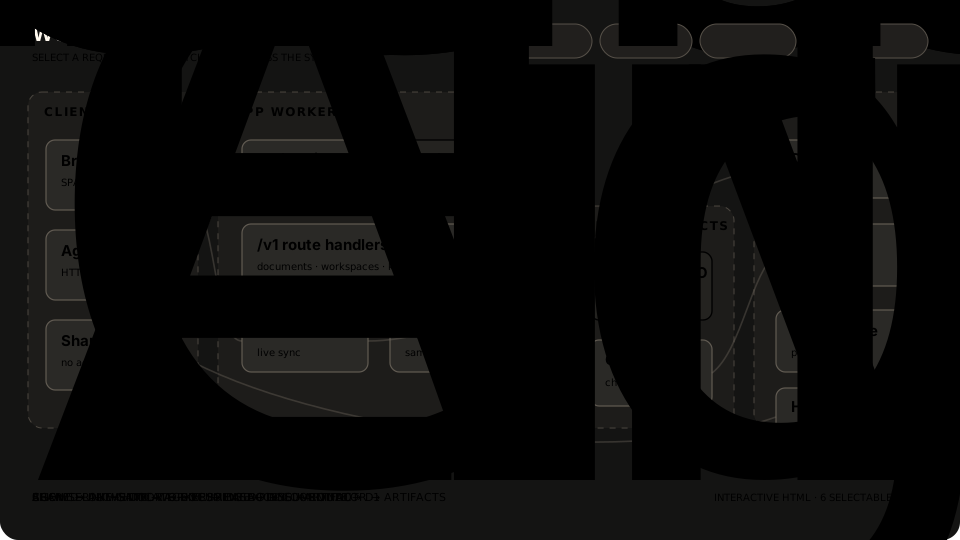 Supporting preview · the live HTML is the artifact
Put alternatives beside one another, choose a direction, then make the implementation legible.
3 artifactsCompare three implementations side by side, with trade-offs called out where the code actually differs.
Render several layout and tone directions live so reviewers can react to the actual alternatives.
Combine milestones, data flow, mockups, code, risks, and open decisions in one inspectable handoff.
Give diffs, modules, and reviewer guidance enough spatial structure to be scanned instead of decoded.
3 artifacts
Render a real diff with margin notes, severity, jump links, and clear places for a reviewer to focus.
Explain motivation, before and after behavior, the file-by-file tour, and where scrutiny matters most.
Draw an unfamiliar package as a readable system with its hot path, boundaries, and entry points visible.
Turn tokens, components, variants, and states into a reference people can actually inspect.
2 artifacts
Turn colors, type, spacing, and interface primitives into a reference that stays concrete and copyable.
Lay out sizes, states, and intents together so a component can be reviewed as a complete family.
Make motion and interaction tangible enough to tune, compare, and redirect before production work.
2 artifactsIsolate a transition with controls for duration and easing so the movement can be tuned by feel.

Connect only the screens needed to feel whether an interaction, transition, or task flow is right.
Use vector scenes and interactive diagrams when relationships are the explanation.
2 artifacts
Collect crisp figures for an article in one editable vector sheet instead of describing them in prose.
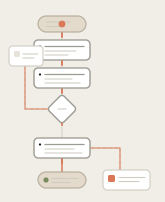
Draw a process as a real flowchart and let each step reveal the timing, work, and failure path underneath.
Sequence a meeting-sized story in one portable file with deliberate pacing and keyboard navigation.
1 artifact
Turn source material into a short browser-native presentation with a real sequence and no export step.
Give an unfamiliar system multiple coordinated views, live explanations, and a navigable reading path.
2 artifacts
Combine a summary, collapsible request path, code samples, and questions into a navigable system explanation.
Teach a difficult idea with a manipulable model, aligned comparison, and glossary that respond together.
Make recurring status and incident documents faster to scan without flattening their evidence.
2 artifacts
Give shipped work, slips, risks, and one useful chart enough structure for a quick operational read.
Join the minute-by-minute timeline, evidence, impact, and follow-up work into one readable post-mortem.
Replace an awkward text instruction with a purpose-built interface that exports the human’s decision.
3 artifactsReorder a concrete set of tickets across decision buckets, then export the resulting judgment.
Edit structured configuration with dependencies and warnings, then copy only the keys that changed.
Edit a reusable template while representative inputs render beside it, then export the tuned result.
HTML examples made for this catalog. Open them, resize them, and inspect the source.
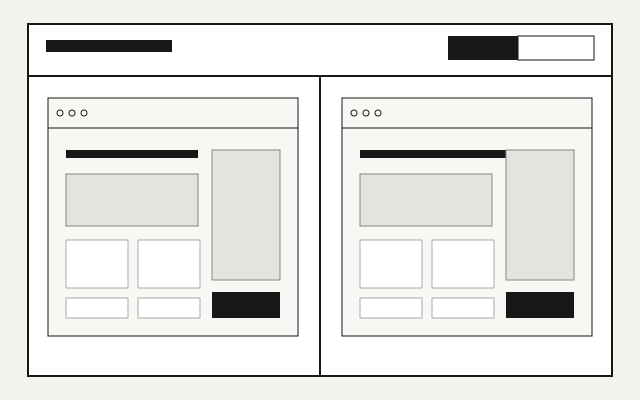
Three ways to organize the same artifact catalog, kept rough so the hierarchy and browsing model are the decision.
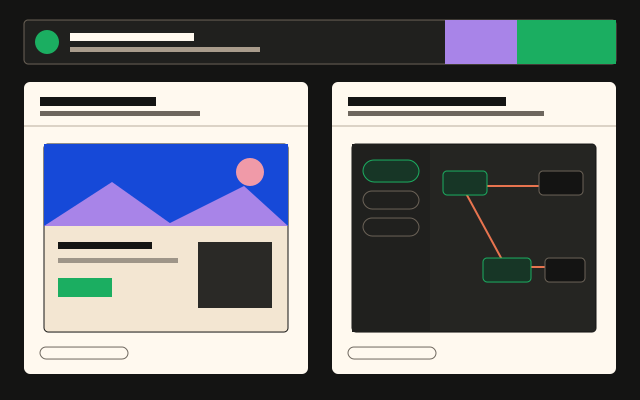
The same catalog decision carried into the Effective HTML visual system, with working density and responsive controls.
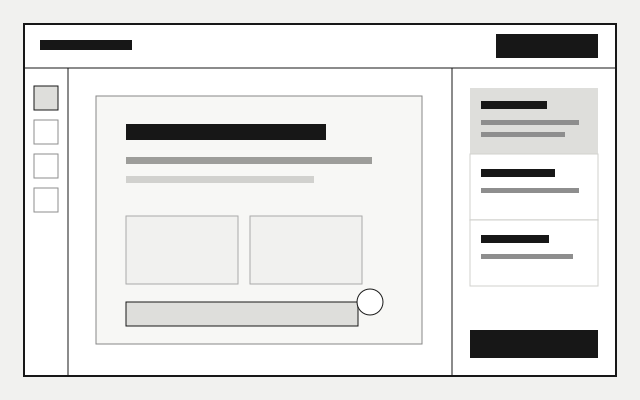
A rough review workspace for testing the balance between the document, annotation tools, comments, and approval actions.
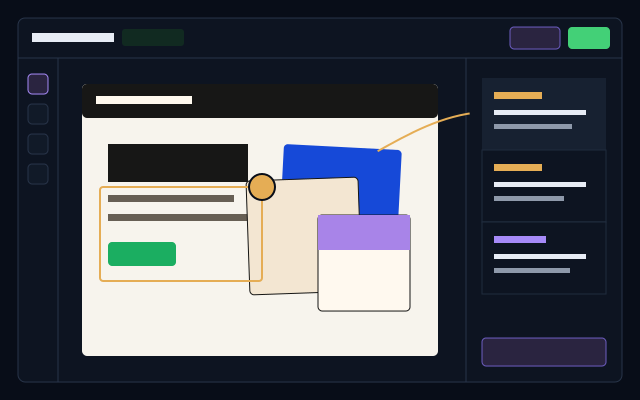
A product-specific review surface using Plannotator’s dark shell, annotation language, and approval flow without copying a screenshot.
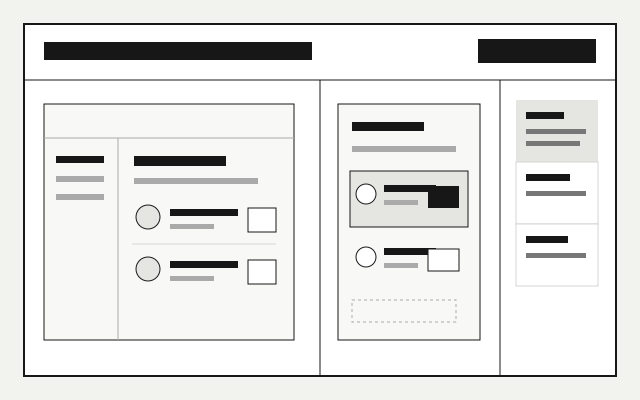
A rough side-by-side review that keeps the current state, proposed change, and unresolved questions in one frame.
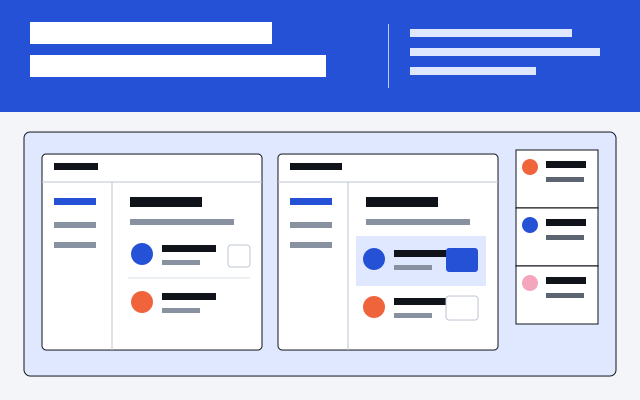
A vivid review artifact for comparing a product change, changing the viewport, and recording a direction before implementation.
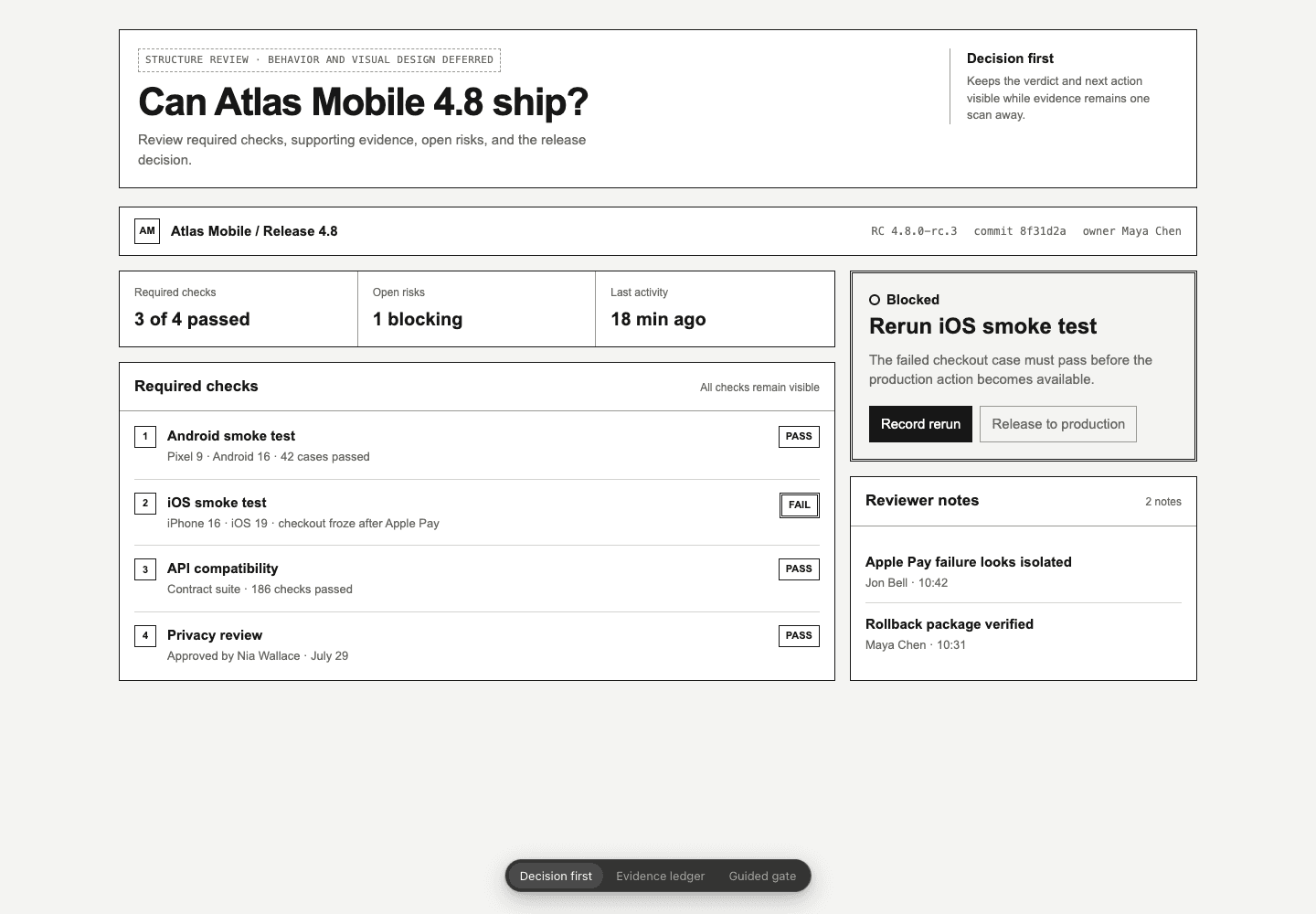
Three deliberately unfinished directions for deciding hierarchy, evidence, navigation, and responsive structure.
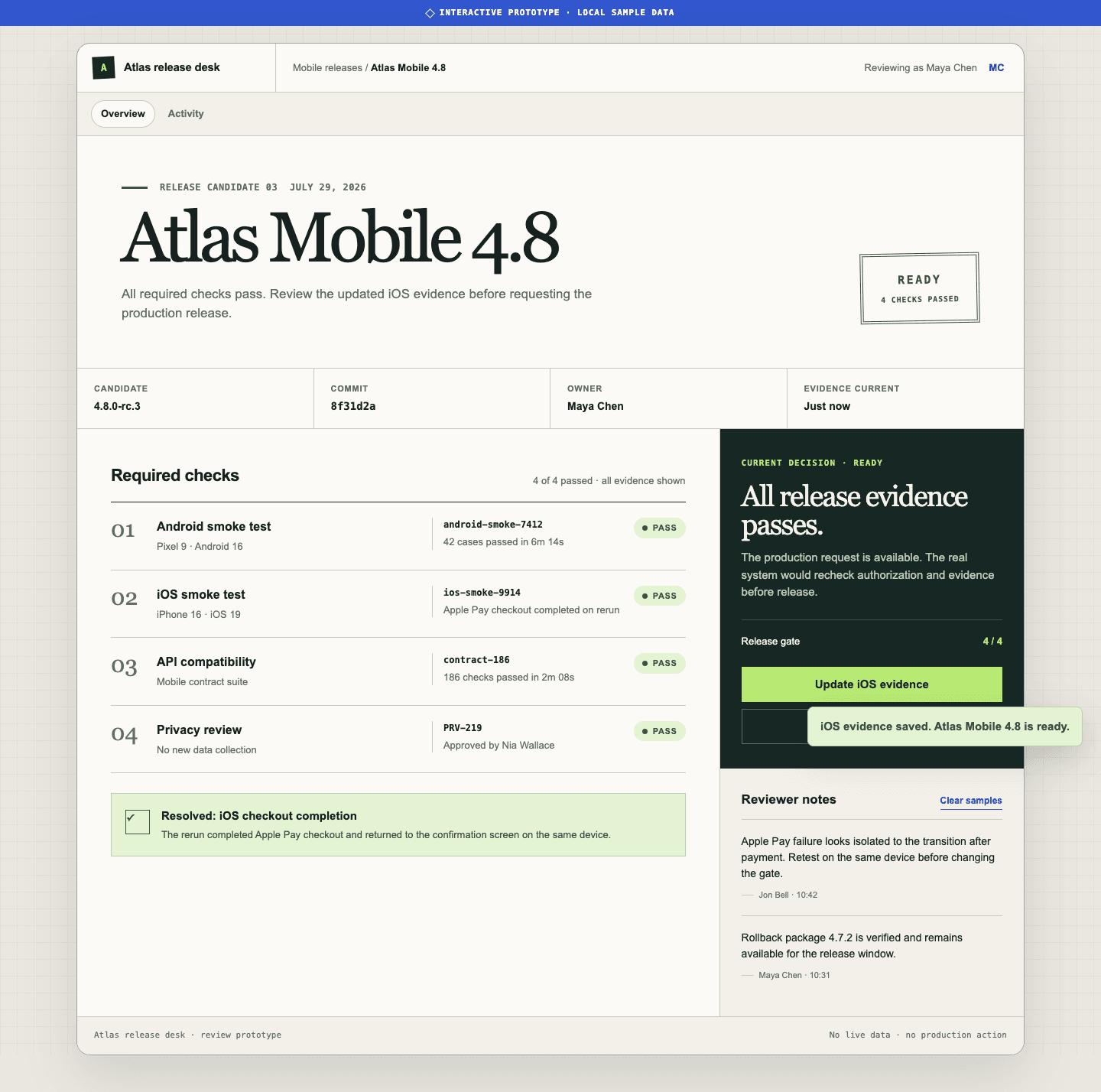
A working blocked-to-ready flow with validation, status changes, recovery, keyboard support, and mobile behavior.
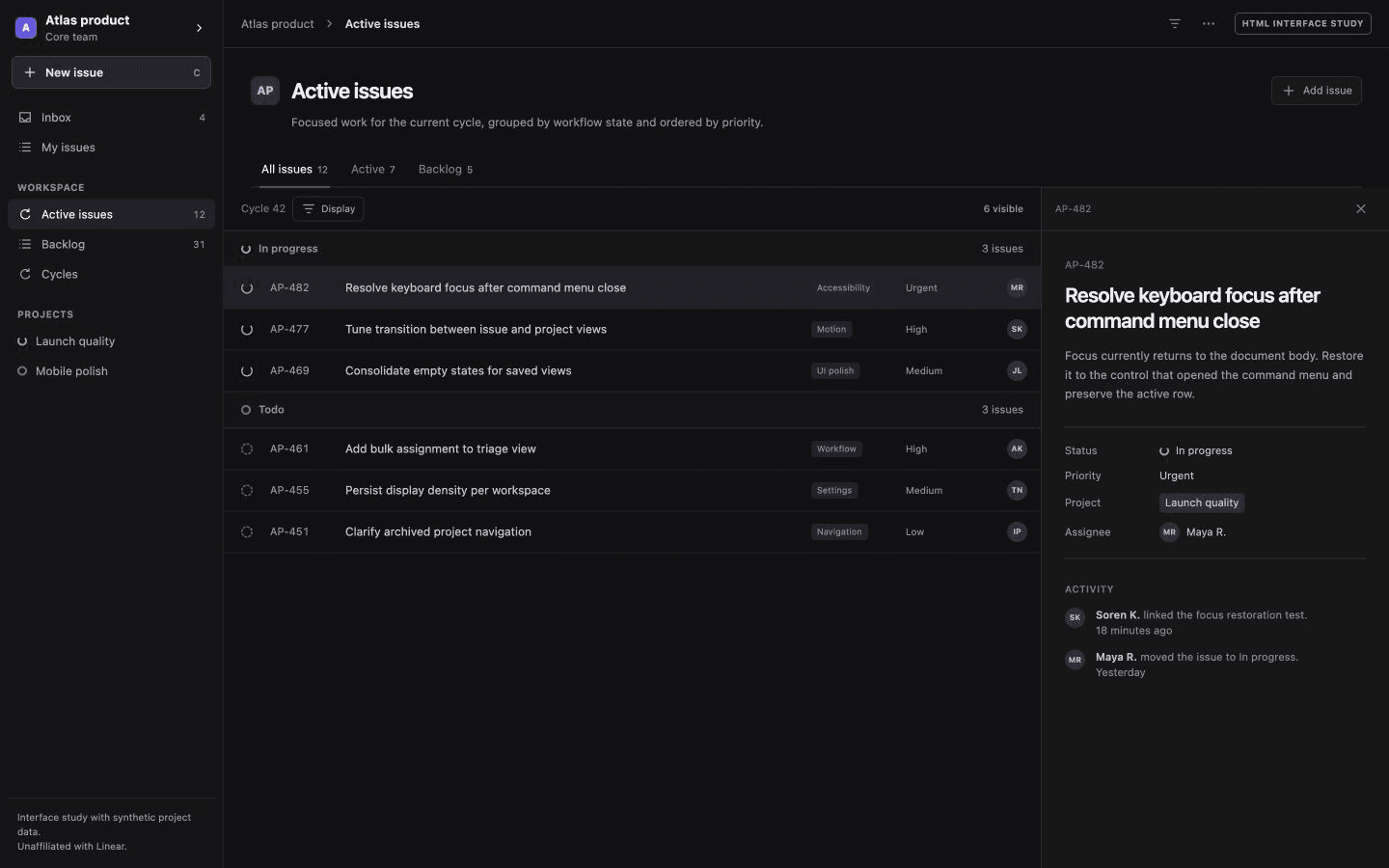
A calm, dense issue workspace with active and backlog filters, keyboard-ready rows, and a focused issue detail rail.
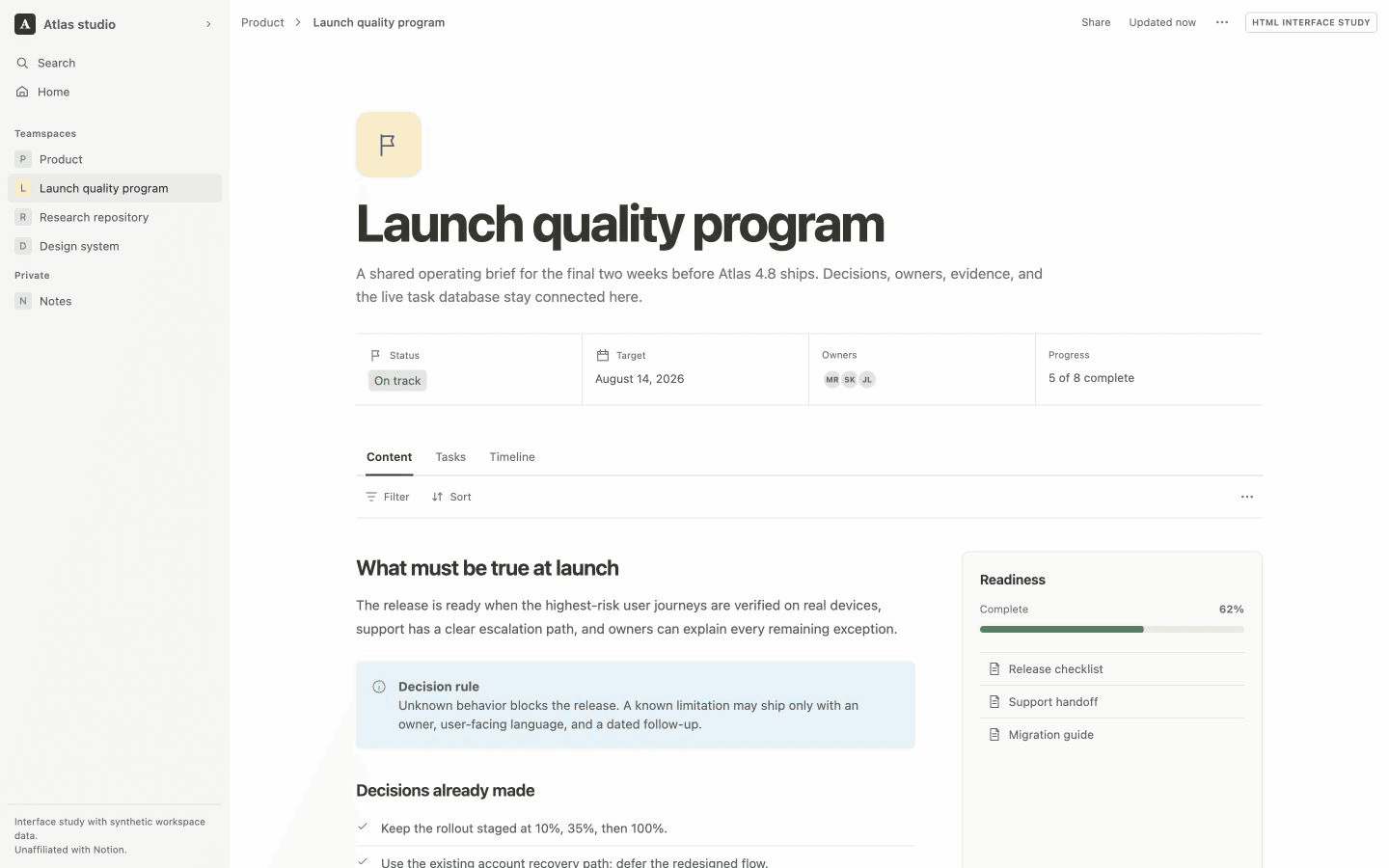
A connected project document that keeps strategy, properties, tasks, progress, and a timeline in one navigable surface.
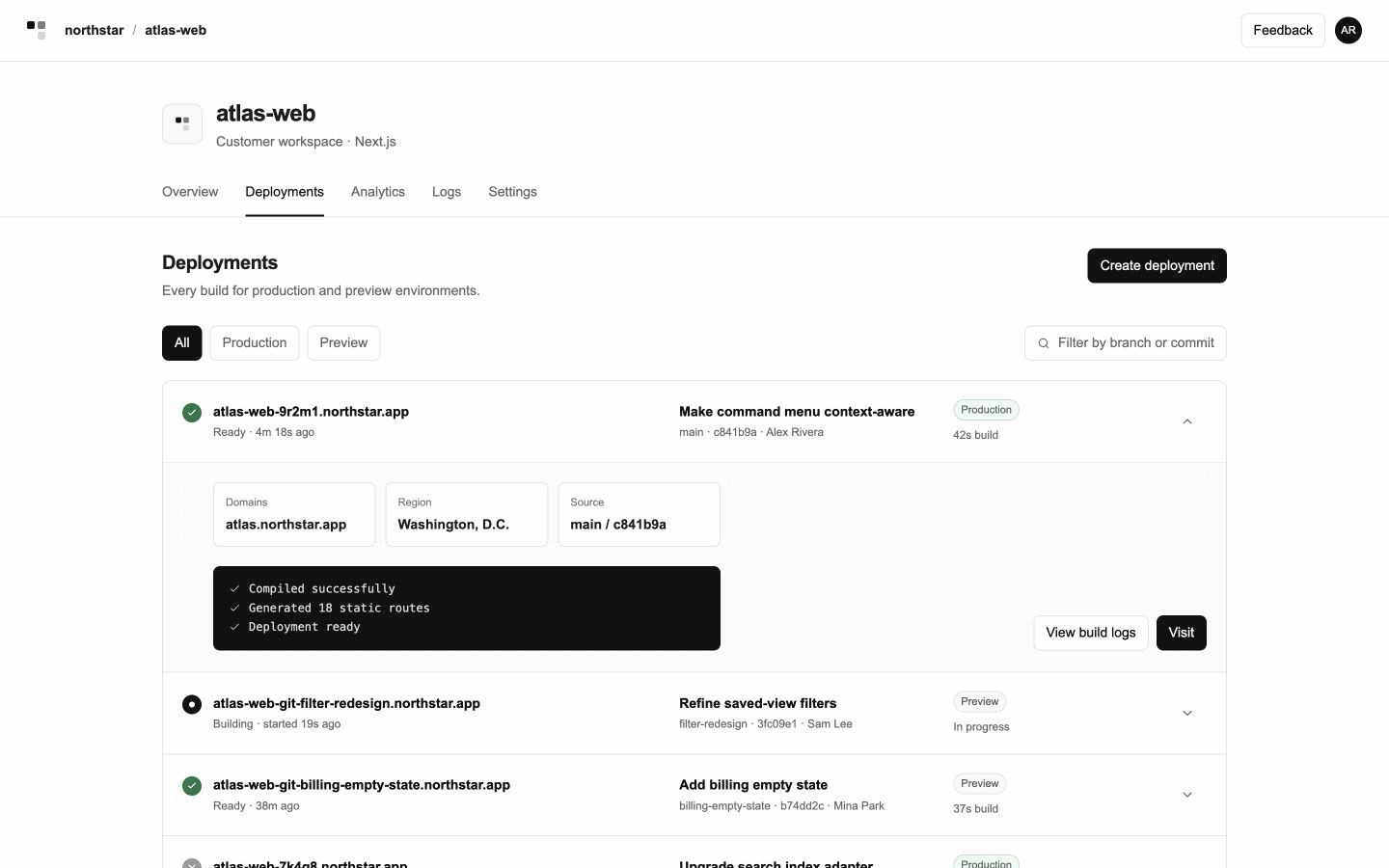
A chronological deployment ledger with environment filters, expandable build evidence, and explicit promotion actions.
8 focused skills turn a broad request into an artifact with the right fidelity, behavior, and verification boundary.
The broad router for reports, explainers, presentations, interfaces, data stories, and mixed artifacts.
Explain the current subject in HTML with large visuals and minimal text while preserving key details.
Make a one-pager: one HTML page that shares an idea with teammates early, or recaps work for them, with big pictures and little words.
Design principles and creative direction for pages, reports, plans, landing pages, demos, decks, and small tools.
Low-fidelity structure for reviewing content, hierarchy, navigation, task flow, and responsive behavior.
Polished mockups and bounded working flows with the states and interactions needed for a real decision.
Plans that preserve source commitments while clarifying sequence, ownership, dependencies, and completion.
Purpose-built visual models for topology, sequence, process, state, hierarchy, time, and quantity.
The twenty reference examples accompany Thariq Shihipar’s essay on using HTML to stay engaged with agent work. Effective SVG reinterprets those same subjects as static and animated vector artifacts. The first-party collection adds the request-path explorer, the release-readiness pair, three new wireframe-and-mockup pairs, and three product-interface studies built with synthetic data.